


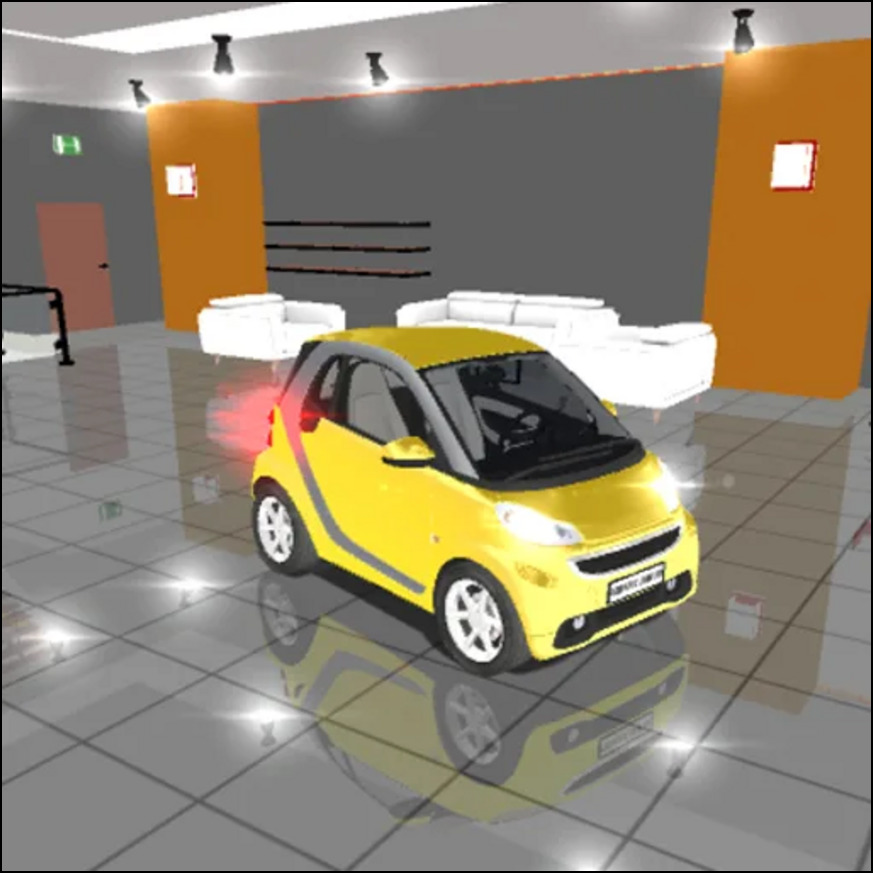
Traffic jam 3d




Traffic jam 3d
Contents
hide
Intro
Traffic Jam 3d offers an exciting driving experience where players navigate busy streets in a colorful 3D environment. This browser game challenges you to dodge traffic, use nitro boosts wisely, and unlock new cars by earning coins. Its simple controls and bright graphics make it appealing for young players and casual drivers alike. Whether you want to practice or compete in career missions, Traffic Jam 3d combines fast reflexes with smart driving strategies.
What Is Traffic Jam 3d
Traffic Jam 3d is a 3D racing game created by the developer TongXing-Studio. It runs smoothly in web browsers and on mobile devices without needing downloads. The game places you behind the wheel on crowded highways, city streets, and desert roads with changing times of day. Its multiple game modes include Career, Infinite, Time Attack, and Free Drive, each offering unique challenges. Players work to avoid crashes and complete missions while collecting coins to upgrade vehicles and improve performance.
The game features eye-catching graphics with bright cars and clear roads, along with sounds like engine roars and upbeat music that keep the gameplay lively. As you play, you’ll unlock new cars and equipment, making each run more exciting.
How to Play
In Traffic Jam 3d, your main goal is to steer safely through heavy traffic without crashing. Depending on the mode, you might race against time, reach checkpoints, or try to score as many points as possible by overtaking other cars and weaving through lanes. Using nitro boosts at the right moments, especially on long straight roads, gives you a speed advantage. Managing your speed and positioning helps avoid collisions and improve your score.
Career mode offers 80 levels that get harder as you progress. Free mode is a great place to practice controlling your car without pressure. Each game mode invites you to sharpen your timing and reflexes while exploring different tracks and times of day.
Controls
Players use the keyboard to control the car while playing in a browser. The arrow keys steer and adjust speed: up arrow to accelerate, down arrow to brake or slow down, and left and right arrows to turn. Pressing the “N” key activates a nitro boost for a quick burst of speed, and the “C” key switches the camera view, giving you options like first-person cockpit or third-person chase views. On mobile devices, the game offers on-screen buttons for steering and boosting, making it easy to play on phones or tablets.
Tips
- Look ahead at least two or three cars to spot open lanes early and plan your moves.
- Save your nitro boost for straight stretches instead of crowded areas to avoid crashes.
- Slow down a little in dense traffic; small adjustments prevent bigger accidents.
- Try Free mode first to get comfortable with car handling before tackling career levels.
- Focus on upgrading handling and brakes before engine power; better control helps dodge obstacles more effectively.
- Collect coins by completing overtakes and close passes, then spend them on car upgrades and new vehicles.
- Switch between camera views to find the best angle that shows the most road ahead.
Why Play Traffic Jam 3d
This game stands out because it combines simple controls with engaging challenges that test your driving skills. You navigate through traffic jams while managing speed, timing boosts, and avoiding crashes. The opportunity to upgrade cars adds depth, letting you improve performance in handling, brakes, and engine power. Multiple game modes and diverse tracks keep the experience fresh, whether you enjoy racing against the clock or exploring freely.
Traffic Jam 3d’s colorful graphics and lively sounds enhance the gameplay, making each run feel dynamic. The straightforward controls and gradual difficulty increase encourage learning and improvement over time.
Browser Access
You can start playing Traffic Jam 3d right in your web browser, without needing to download or install anything. It works well on major browsers like Chrome, Firefox, Edge, and Safari. The game loads quickly and runs smoothly, so you can jump into the action immediately. If you want to explore more racing games, check out the Racing category on this site.
Download and Platform Options
If you prefer playing on mobile devices, Traffic Jam 3d is available as a free app for iPhone and iPad. You can download it from the App Store. The game is also compatible with Android devices, though the Google Play link is currently unavailable.
Playing on mobile lets you enjoy Traffic Jam 3d anywhere, using touch controls designed for smaller screens. Whether on a computer or phone, the game keeps the same fun features and challenges.
FAQ
What is Traffic Jam 3d about?
Traffic Jam 3d is a 3D racing game where you drive through busy traffic, avoid crashes, and complete missions in different modes like Career and Free Drive.
How do I control the car?
Use the arrow keys to steer and adjust speed. Press “N” for nitro boosts and “C” to change camera views. On mobile, use the on-screen buttons.
Can I upgrade cars?
Yes, you earn coins by driving skillfully and completing objectives to buy upgrades for engine, brakes, and handling, and unlock new vehicles.
Is Traffic Jam 3d free to play?
Yes, you can play the browser version for free. Mobile apps are also free to download.
Are there different game modes?
Yes, including Career, Infinite, Time Attack, and Free Drive, each offering unique challenges and ways to play.